
The Google Ad Library is a publicly accessible database of verified advertisers’ active ads running across Google’s platforms, including Search, Display, YouTube, Shopping, and Gmail. No login is required. No Google Ads account is needed. Any marketer can open a browser, search a brand name or keyword, and immediately see what creatives competitors are running right now. For digital marketers building competitive playbooks, this tool is the clearest window into how other brands are spending their budgets and framing their offers.
What does the Google Ad Library actually show you?
The Google Ads Transparency Center, Google’s official name for this tool, displays ad creatives, regions, date ranges, and format types for verified advertisers. That means you can see the full text of a Search ad, the image or video used in a Display or YouTube ad, the advertiser’s name, which countries or regions the ad targets, and the landing page URL the ad points to. That last detail is often the most underrated signal in the entire database.
Here is what the ad library surfaces for standard commercial ads:
- Full ad creatives: text, image, and video formats across Search, Display, YouTube, Shopping, and Gmail
- Advertiser name and verification status: confirms the brand behind the ad
- Regions targeted: country or regional filters show geographic focus
- First and last shown dates: ads active within the last 30 days show reliably; some content stays visible up to 12 months
- Landing page URLs: reveals the destination and offer structure behind each creative
What the library does not show is equally important to understand. The tool excludes performance metrics like exact spend, click-through rate, conversion rates, and audience targeting details for commercial ads. You can see the creative. You cannot see whether it worked. Political ads are a partial exception, sometimes showing estimated spend and audience impressions, but commercial advertisers get no such visibility.
One more boundary worth knowing: the Google Ads Transparency Center is built for transparency, not fraud monitoring. It does not detect click fraud or invalid traffic. Marketers who need that layer should use dedicated click fraud tools alongside the library, not instead of it.
Pro Tip: When you find a competitor’s landing page URL in the library, run it through a web archive tool like the Wayback Machine. You can track how their offer and page copy have evolved over time, which tells you a lot about what is and is not converting for them.
How to search and filter the ad library for competitor insights
Effective use of the ad library starts with knowing which search mode to use. There are two primary approaches, and each surfaces different intelligence.
-
Search by advertiser name or domain. Type a brand name or website URL directly into the search bar. This pulls every active ad that verified advertiser is running. Use this when you already know who your main competitors are and want a full picture of their current creative mix.
-
Search by keyword or topic. Type a product category, service term, or keyword phrase. This surfaces ads from multiple advertisers in that vertical. Use this when you want to map the competitive field in a niche, not just audit one brand.
-
Apply platform filters. Narrow results by ad format: Search, YouTube, Display, or Shopping. A brand running heavy YouTube spend alongside Search ads is signaling a different funnel strategy than one running text ads only. Format mix is a budget signal.
-
Filter by country or region. If you operate in specific U.S. markets, filter by region to see which advertisers are active locally. Searching categories regionally can reveal smaller local advertisers that never appear in standard SEO competitor research. This is especially useful for local service businesses.
-
Filter by date range. Narrow to recent activity to see what is live right now, or widen the range to spot seasonal patterns and campaign rotations.
-
Assess ad longevity. An ad running for 30 or more days without being pulled is a strong signal that the advertiser considers it a winner. It is not proof of profitability, but it is proof of confidence. Treat long-running creatives as your primary swipe-file candidates.
-
Examine landing page URLs systematically. Group competitor ads by destination URL. If five different creatives all point to the same landing page, that page is the core of their funnel. Study the offer, the headline, and the structure carefully.
Pro Tip: Build a simple spreadsheet to track competitor ad longevity over time. Log the first-seen date, the creative hook, and the landing page URL each week. After 60 days, patterns in what they keep running versus what they rotate out become very clear.
Turning ad library findings into campaign planning and creative workflows

Seeing a competitor’s ads is only useful if you translate those signals into decisions. Competitive research using the library is the initial step. Full funnel understanding requires pairing those creative signals with your own performance data, audience insights, and conversion benchmarks.
Here is how to build that translation into your workflow:
- Map the format mix first. If a competitor runs text ads, image ads, and YouTube ads simultaneously, they are likely operating a full-funnel strategy. If they run only Search text ads, they may be focused on bottom-of-funnel capture. Let format mix inform your own budget allocation decisions.
- Extract creative themes and messaging angles. Look for patterns across multiple ads from the same advertiser. Do they lead with price? Social proof? A specific pain point? Recurring themes reveal the angle they have tested and committed to. Use those themes as hypotheses for your own creative testing, not as copy to replicate.
- Cross-reference with other data sources. The library shows the creative. Tools like social media analytics platforms and audience research tools show the context. Combine both to build a fuller picture of why a creative might be working.
- Integrate findings into designer briefs. When you brief a creative team, include specific examples from the ad library. Show the hook structure, the visual format, and the offer framing you observed. This grounds creative direction in market reality rather than internal assumptions.
- Set up a regular monitoring cadence. A one-time audit goes stale fast. Automated competitor monitoring at scale is the most efficient approach for marketers managing multiple competitors or verticals. Even a manual weekly check on your top three competitors beats a quarterly deep dive.
For e-commerce marketers specifically, the Shopping tab in the ad library reveals product imagery, pricing angles, and promotional framing from direct competitors. That is a direct input for your own product listing creative and promotional calendar.
What market signals can you read from the ad library?
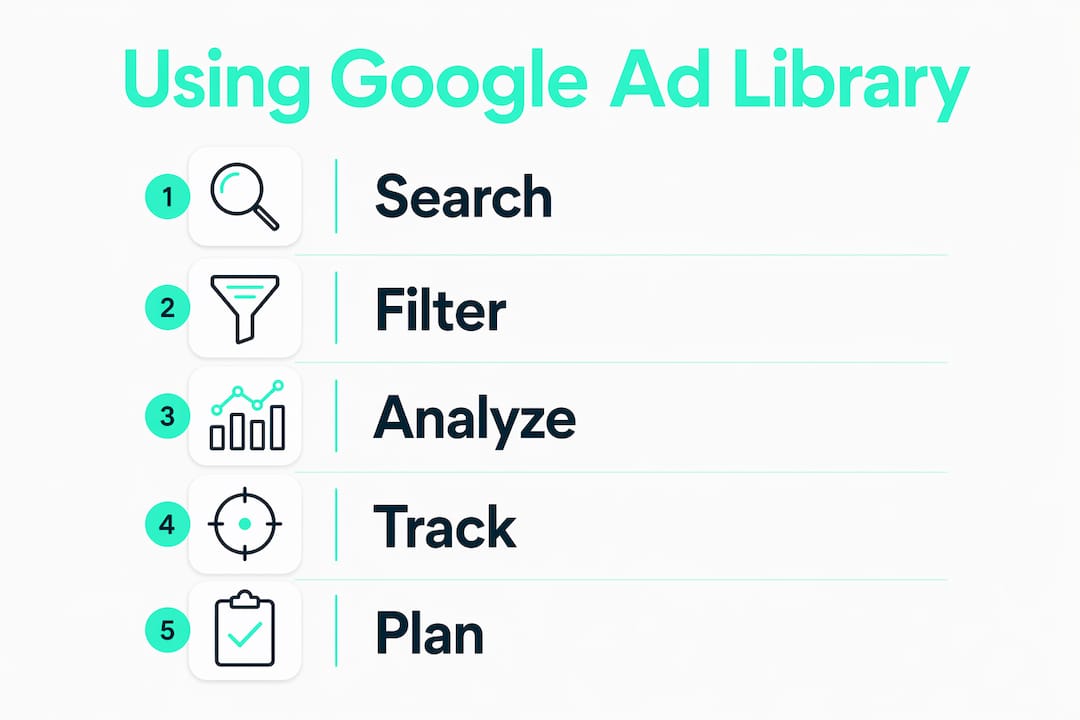
The ad library is not just a creative archive. It is a live signal feed about market behavior, and knowing how to read those signals separates good competitive research from great competitive research.
| Signal | What to look for | What it implies |
|---|---|---|
| Ad longevity (30+ days) | Creatives still running after a month | Advertiser is confident in performance |
| New advertiser entry | Brand appearing for the first time in a vertical | Emerging competitor or new campaign launch |
| Cross-platform presence | Same creative on Google and Meta | Validated offer being scaled aggressively |
| Regional messaging variation | Different copy angles by geography | Localized strategy or regulatory adaptation |
| Landing page reuse | Multiple ads pointing to one URL | Core funnel offer being tested at volume |
Cross-platform presence of the same creative on Google and Meta is one of the strongest signals in competitive research. When an advertiser runs the same ad across both networks, they have almost certainly validated that offer through testing. That creative is worth studying in detail.
Regional messaging variation is another underused signal. A brand running different copy angles in the Southeast versus the Pacific Northwest is telling you something about what resonates in each market. If you operate in those regions, that is direct intelligence for your own geo-targeted campaigns.
Tracking new advertisers entering your vertical is equally valuable. A brand that appears in the library for the first time with a polished multi-format campaign is not experimenting. They are scaling. Catching that early gives you time to respond before they capture significant market share.
Key Takeaways
The Google Ad Library is most valuable when used as a recurring research input, not a one-time audit, and when its creative signals are combined with performance data and audience context.
| Point | Details |
|---|---|
| Free and open access | No login or Google Ads account is needed to search the full ad database. |
| Creative signals, not performance data | The library shows ad creatives and metadata but excludes spend, CTR, and conversion rates. |
| Ad longevity as a proxy signal | Creatives running 30 or more days indicate advertiser confidence, worth adding to your swipe file. |
| Cross-platform validation | The same creative appearing on Google and Meta signals a tested, scaling offer. |
| Combine with other tools | Pair ad library findings with analytics and audience data for full-funnel competitive intelligence. |
The library is a starting point, not the whole story
Marketers who get the most from the Google Ads Transparency Center treat it as a hypothesis generator, not a verdict machine. You see what a competitor is running. You do not see whether it is working. That distinction matters more than most people realize.
The most common mistake I see is over-interpreting ad longevity. A creative running for 60 days might be a proven winner. It might also be an ad that someone forgot to pause. Context always matters. Before you build your next campaign around a competitor’s hook, ask whether that angle makes sense for your audience, your offer, and your market position.
The second mistake is treating the library as a replacement for your own testing. It is not. The library tells you what other brands are betting on. Your data tells you what works for your customers. Use the library to generate better hypotheses, then let your own results settle the question.
What the library does exceptionally well is reveal the DNA of a competitor’s creative strategy over time. When you monitor the same advertiser for 90 days, you stop seeing individual ads and start seeing a pattern. You see which hooks they return to, which formats they invest in, and which offers they push hardest. That pattern is the real competitive intelligence. Individual ads are just data points.
The marketers who build this into a weekly habit, even a 20-minute check on their top competitors, consistently outperform those who do quarterly audits. Frequency beats depth here. The market moves fast, and the library updates in near real time.
How Socialfuel takes your ad research further
The Google Ad Library gives you a window into competitor creatives. Socialfuel gives you the full picture.
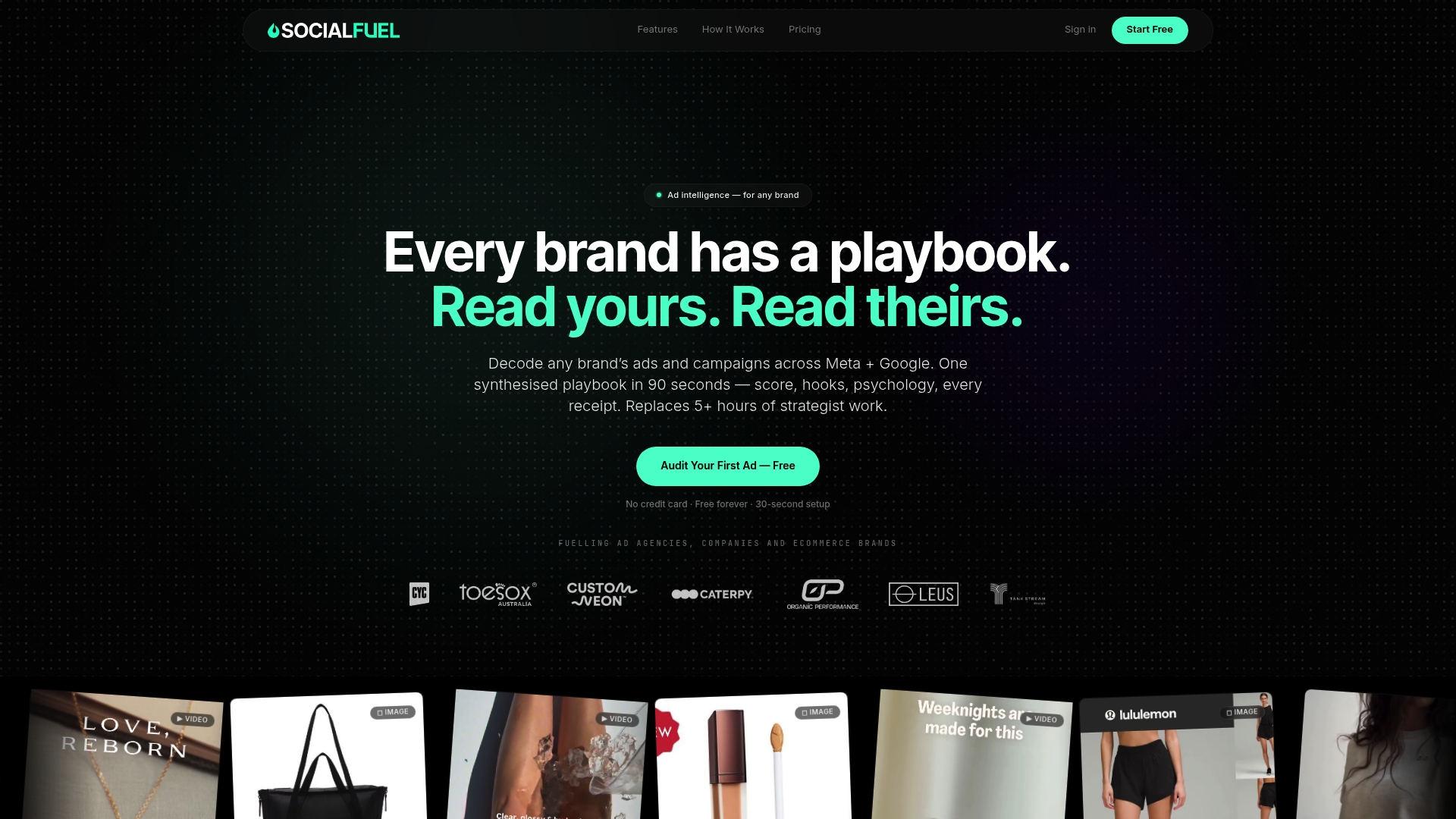
Socialfuel is an AI-powered ad intelligence platform that lets you search any brand, keyword, or URL to find winning ads across Facebook, Instagram, Google, and YouTube in one place. Where the public ad library stops at creative visibility, Socialfuel lets you decode ad hooks and strategy across platforms, save entire competitor campaigns to your swipe file, and brief your creative team with real market intelligence. For marketers who want to move from research to execution faster, Socialfuel connects the dots the ad library leaves open. You can also explore image ad performance benchmarks to sharpen how you evaluate what you find.
FAQ
What is the Google Ad Library?
The Google Ad Library, officially called the Google Ads Transparency Center, is a free public database of active ads from verified advertisers running across Google’s platforms, including Search, Display, YouTube, and Shopping. No account or login is required to access it.
Does the Google Ad Library show ad spend or performance data?
No. The library shows ad creatives, regions, date ranges, and landing page URLs, but it does not show spend, click-through rates, conversion rates, or audience targeting details for commercial ads.
How far back does the Google Ad Library go?
Standard non-political ads show reliably if they were active within the last 30 days. Some ad content remains visible for up to 12 months, depending on the ad type and advertiser activity.
Can I use the Google Ad Library to detect click fraud?
No. The Google Ads Transparency Center is built for advertising transparency, not fraud detection. Marketers who need click fraud monitoring should use a dedicated tool alongside the library.
How do I find local competitors in the Google Ad Library?
Use the regional filter and search by service category or keyword rather than a specific brand name. This surfaces smaller local advertisers that rarely appear in standard SEO competitor research, making it especially useful for geo-targeted campaign planning.